[Creazy Update] Create High-Converting Product Shorts in Seconds with Just 1 Photo!
Create high-converting product Shorts and thumbnails with Creazy's new AI video feature, from selling points and storyboards to instant AI editing.

Hello, this is the Creazy team!
Running an e-commerce store means juggling product pages, Instagram Reels, and YouTube Shorts all at once. Video commerce is driving massive sales, but hiring professional video editors can be costly and doing it manually takes hours.
That is why we are thrilled to announce Creazy's newest game-changing feature: Auto Product Shorts Generator!
Now with just one product photo or an existing product page project, Creazy’s AI automatically generates high-converting product Shorts and matching thumbnails tailored to your niche - whether it’s food, home goods, fashion, or beauty!
🎬 How Does AI Create Your Product Shorts? (3-Step Guide)
Creating Shorts with Creazy is incredibly simple. You input basic product details, and the AI analyzes selling points, plans a visual storyboard, and generates a polished high-definition video.
Here is a step-by-step walkthrough of the workflow:
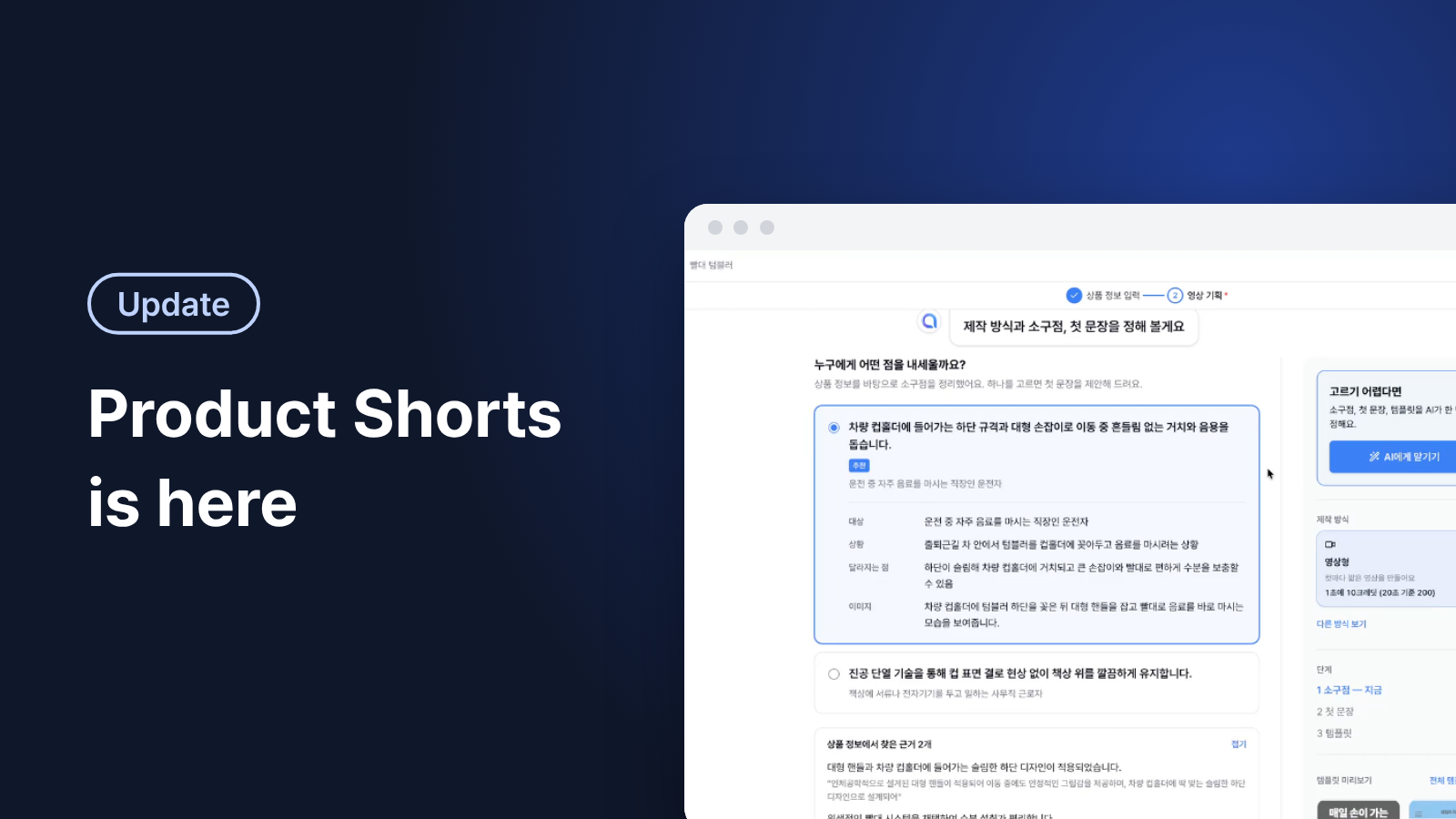
Step 1: Select Your Key Selling Point (USP) & Hook Sentence
The first step in making a viral Short is deciding what to highlight. Creazy AI analyzes your product information and breaks down compelling Unique Selling Points (USPs).

As seen in the screenshot above, for a "Straw Tumbler", the AI recommended two core selling points:
- Option 1: Highlights how the narrow base fits perfectly in car cupholders with a sturdy handle for on-the-go convenience (Target: Commuters who drink beverages while driving).
- Option 2: Focuses on vacuum insulation technology preventing condensation to keep desks clean (Target: Office workers).
Simply select the selling point that best fits your target audience. The AI will immediately suggest an engaging opening hook line! (Or just click "Let AI Choose" in the top right corner!)
Step 2: Review the AI-Generated Visual Storyboard
Once you pick a selling point, Creazy AI builds a complete, cut-by-cut visual storyboard tailored to your angle.

This screen displays the storyboard generated for the "Car Cupholder" angle:
- Cuts 01 & 02 (Hook): Displays a relatable problem cut - "Tired of your tumbler wobbling in the car?"
- Cuts 03 & 04 (Solution): Introduces the slim lower design that fits snugly into standard cupholders.
- Cut 05 (Value Proposition): Emphasizes easy drinking with the large handle and straw lid.
Every scene specifies exact text captions, scene duration, and visual guidelines. You can easily tweak text or adjust durations at this stage before generating the video.
Step 3: Generate HD Video & Final Editing
Satisfied with the storyboard? Click Generate Video! Creazy AI converts the storyboard into motion video clips. You can preview and fine-tune your video inside Creazy's powerful editor.

This is the final video editing workspace:
- Left Panel (Scene List): View all video clips generated according to the storyboard cuts.
- Center (Preview): Play the video in real-time with captions overlaying the visual assets.
- Bottom (Timeline): Precisely adjust clip length, caption timing, and background music (BGM).
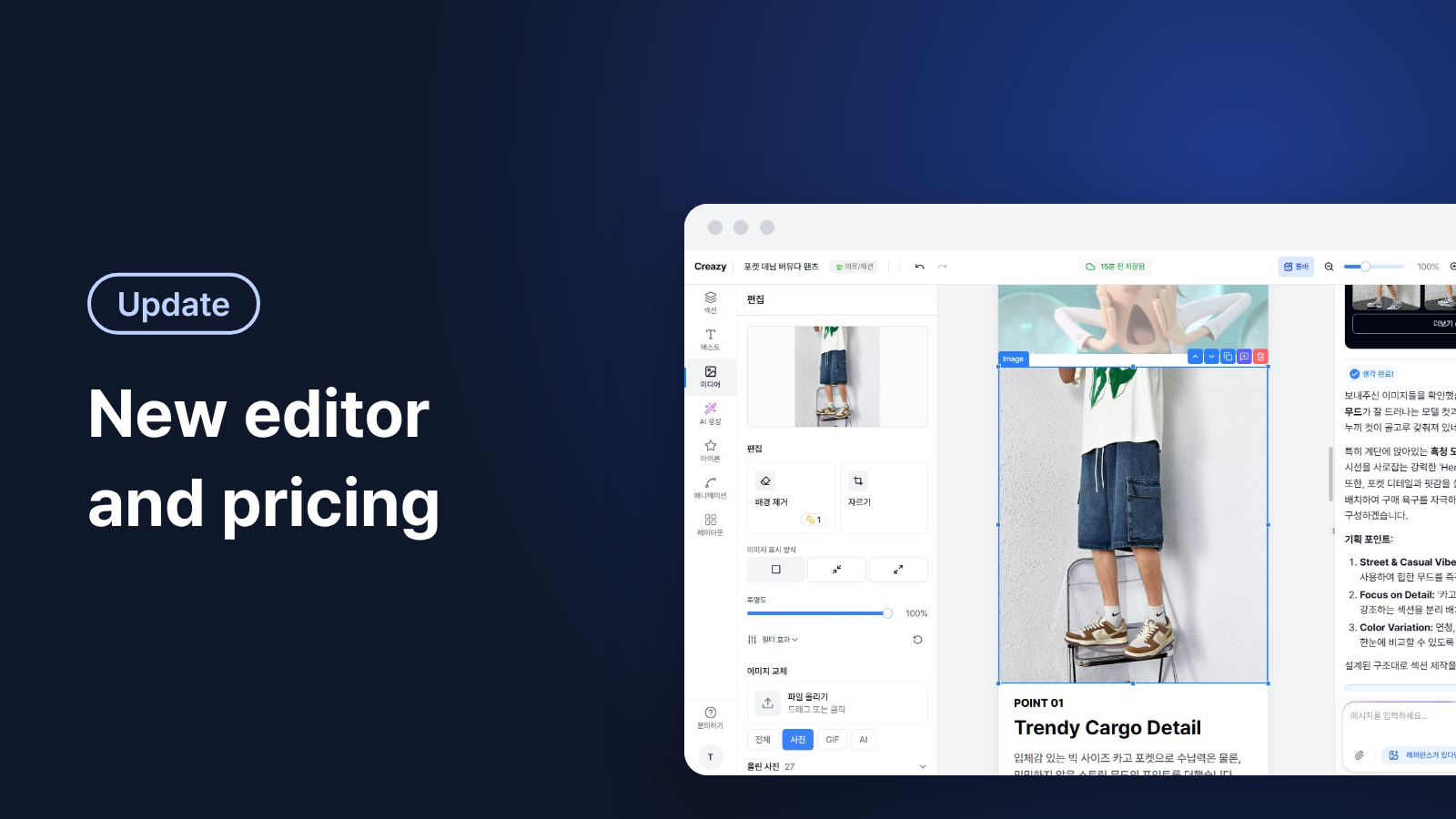
- Right Panel (AI Chat Assistant): Type prompts like "Make the background brighter" or "Keep the captions shorter" to edit video elements instantly via chat.
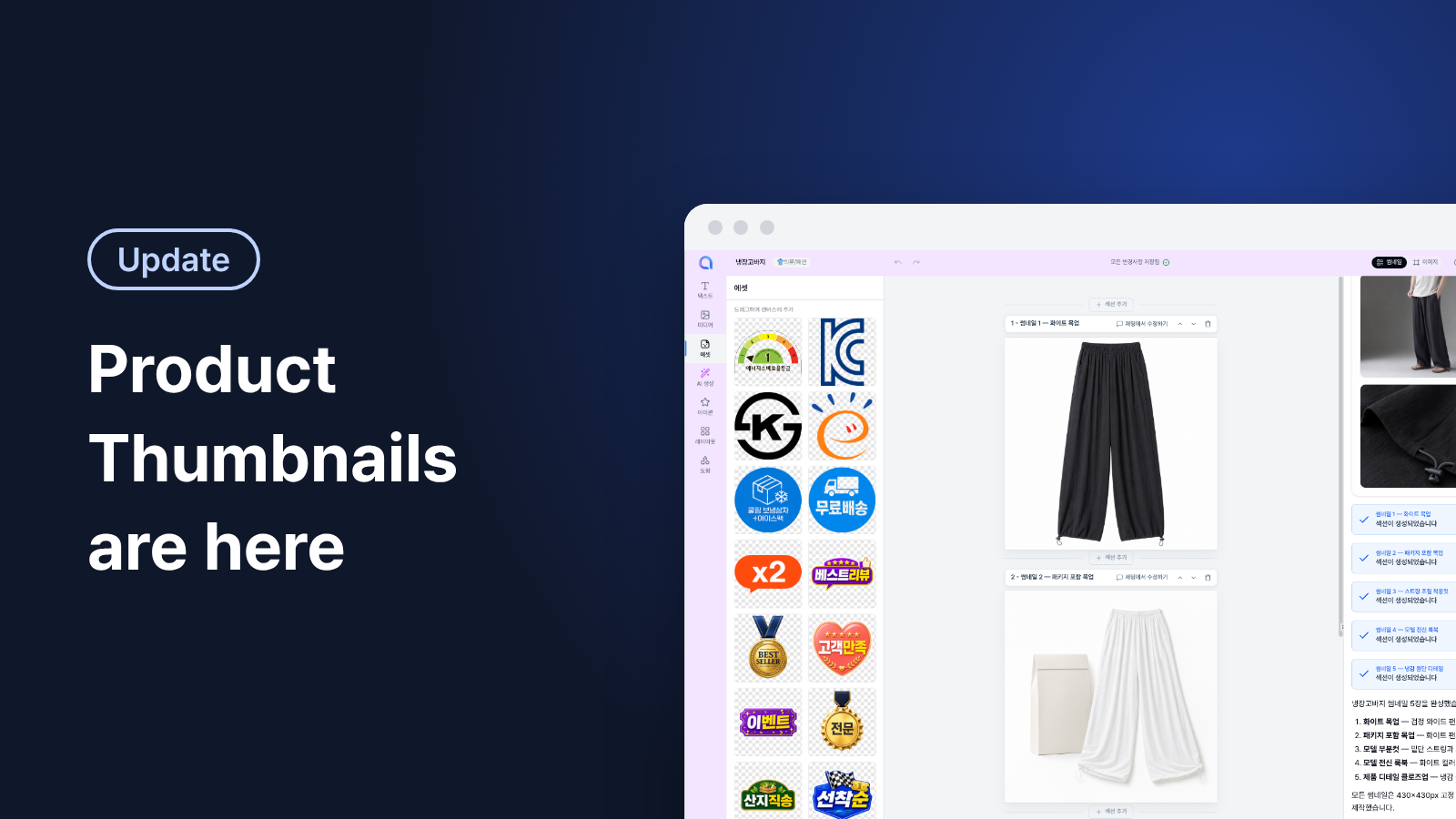
You can also drag and drop e-commerce badges - like Free Shipping, Best Review, KC Certified, or Free Gift - directly onto your video to boost your click-through rates (CTR).
📁 Speed Up Workflow by Importing Existing Projects!
Already created a product page in Creazy? Click "Import Existing Project" to automatically pull your images and text into the Shorts editor - no re-uploading needed!
Save hours of shooting and editing content. Experience effortless video creation with Creazy AI today!
👉 Try Creazy Product Shorts Generator Now
💡 Tip: Click the [Shorts/Thumbnails] tab on the left sidebar of your workspace anytime to launch this feature.