Feb 09, 2026 Creazy Major Update
A major update was released for the Creazy service on Monday, February 09. 🎉
We have updated the D&D (Drag & Drop) feature and the Toolbar feature, which many of you have requested.
D&D (Drag & Drop) Update
First, two buttons have been added to the left side as shown.
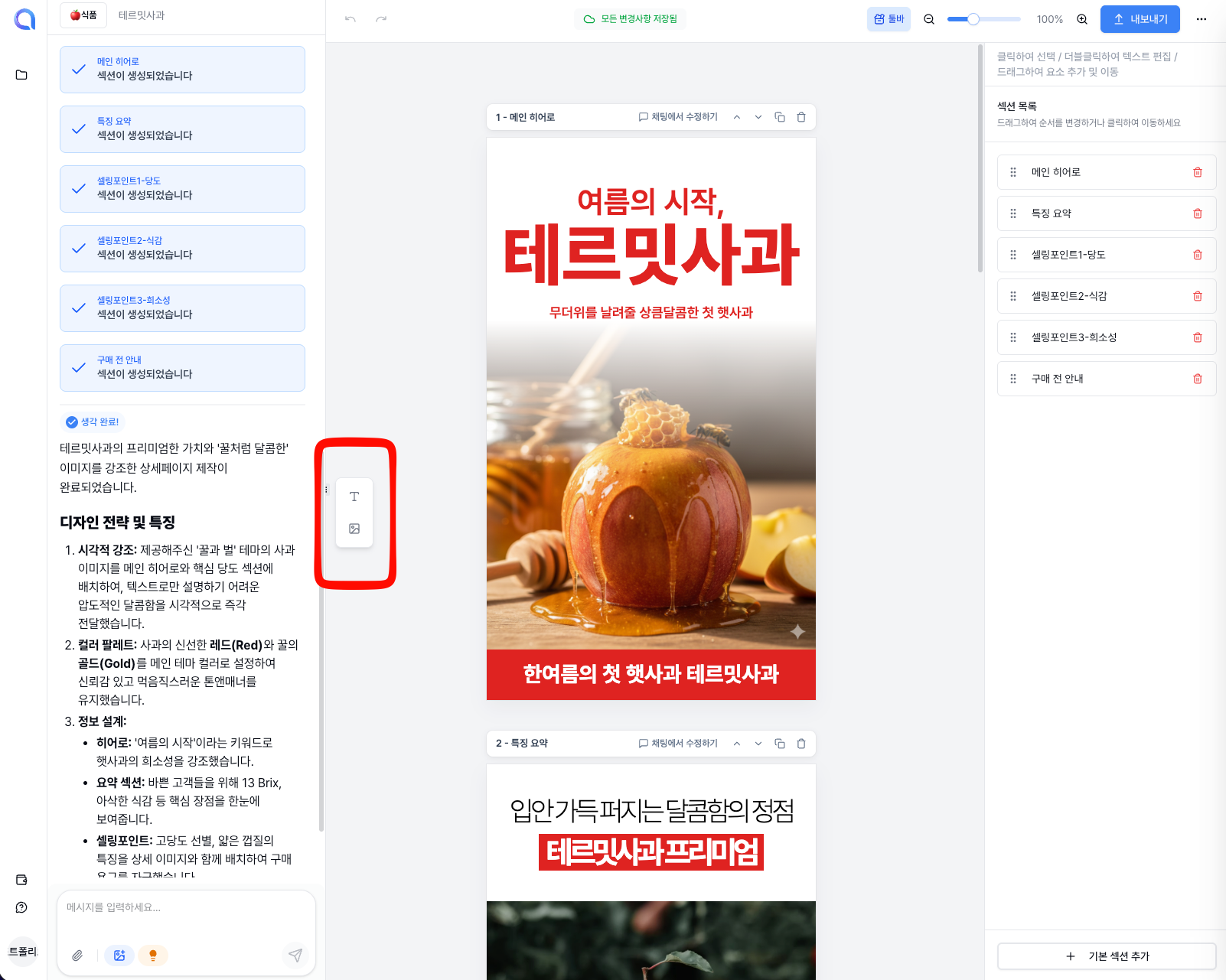
You can grab and drag these buttons to place them wherever you want, allowing for more intuitive insertion and editing of text and image elements.
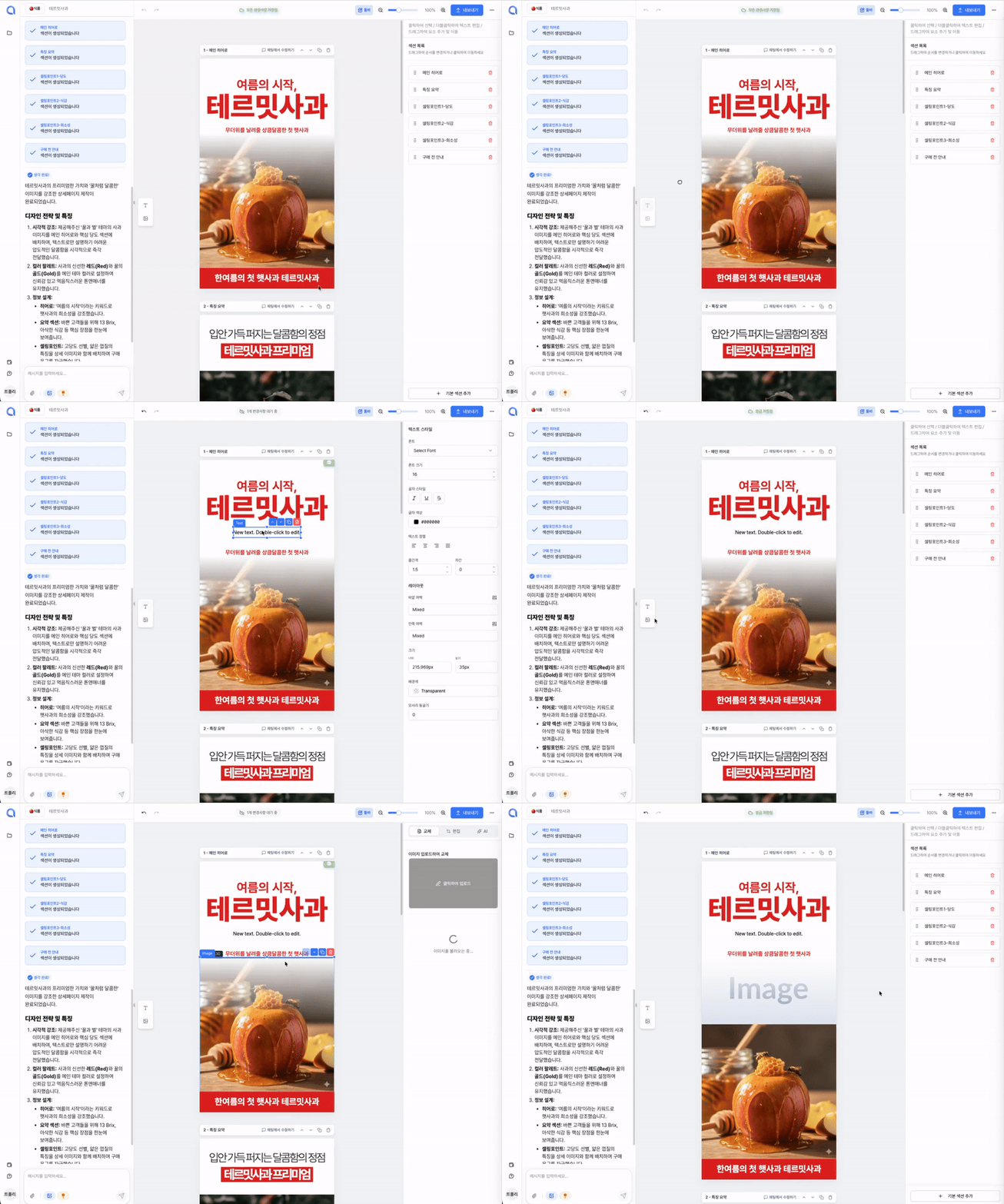
(Isn't it so convenient? haha)
Element D&D (Drag & Drop)
Now you can also grab each element and move it to adjust its position!

While using the service, haven't you felt inconvenienced when seeing sections like this?
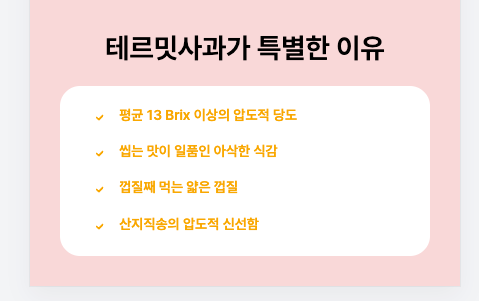
If you thought, "I wish I could add just one more checkpoint here," you previously had to ask the AI to create it. But now, you can easily duplicate and edit it right within the editor!
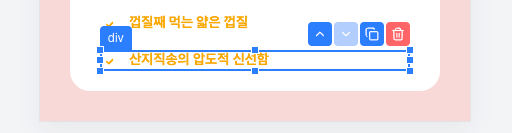
Just select each element and click the desired menu! We also support shortcuts like (Ctrl+C, Ctrl+V).
Toolbar Feature
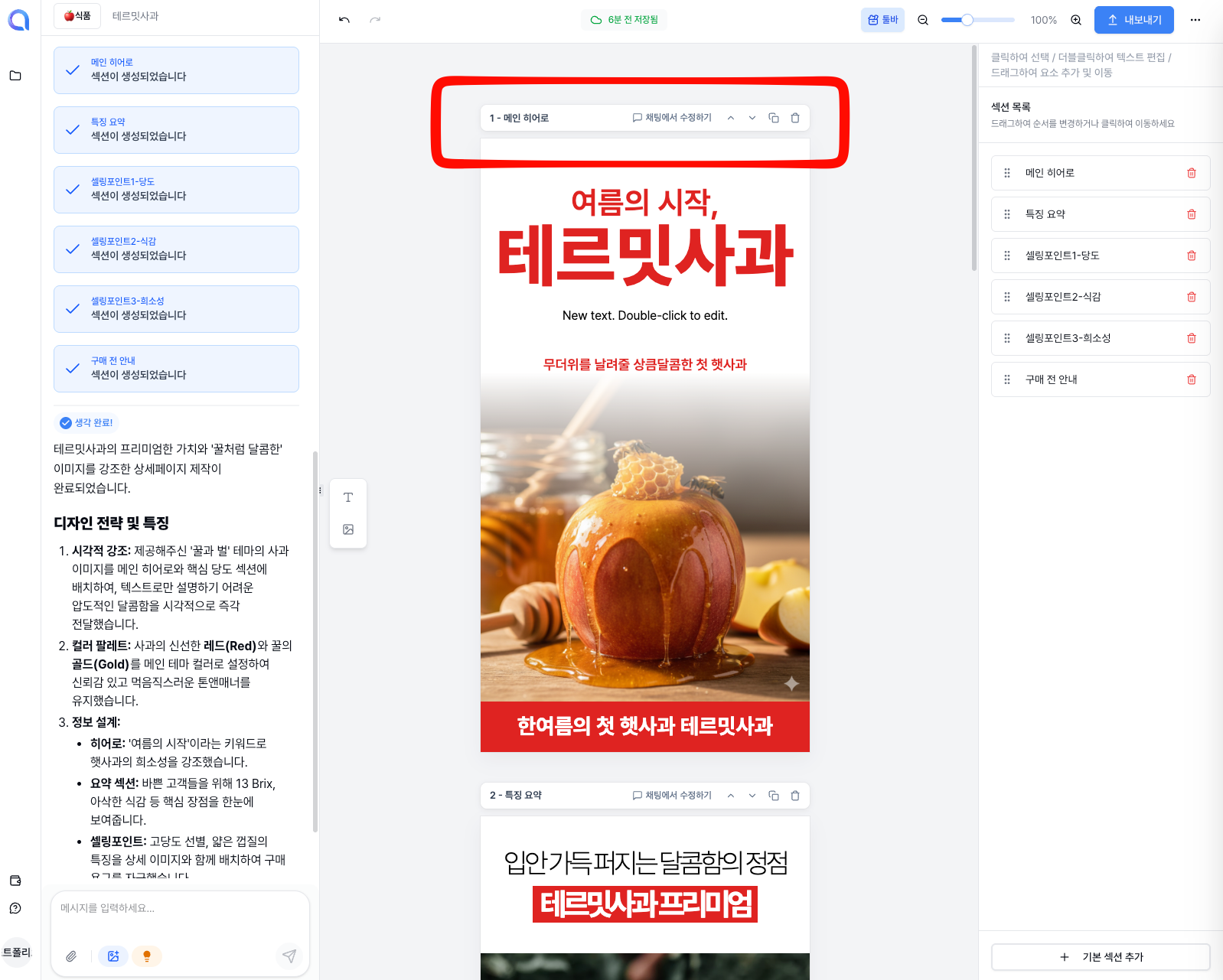
Buttons for Section Title, Edit in Chat, Up/Down Arrows, Duplicate, and Delete have been added above each section.
1. Section Title
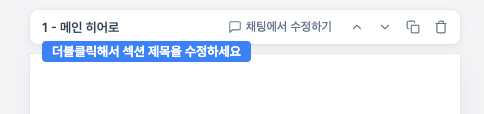
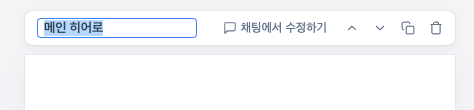
Shows the title of each section. Double-click to edit the section title.
2. ⭐️Edit in Chat⭐️
This might be the trickiest feature to understand in this update. However, once you get it, it's incredibly useful, so please bear with us!
When you click the button, the section will be outlined in blue, and a section name badge will be added to the chat window.
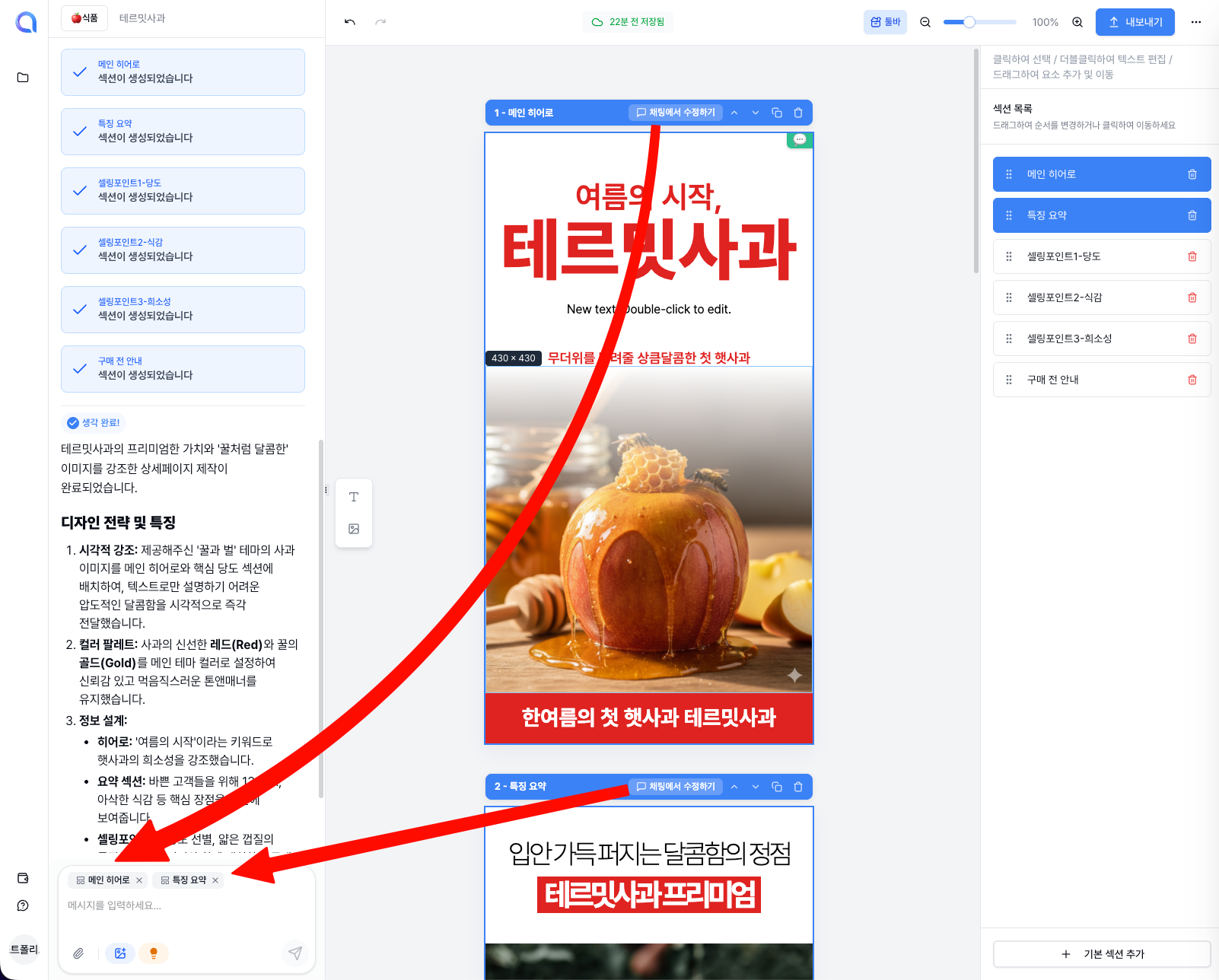
This tells the AI, "Apply my next request specifically to the section I've selected." Then, you can simply state your desired edits.
Let's look at an example:
Suppose you aren't satisfied with the copywriting of the first and second sections.
To change the copywriting using this new feature:
- Click the 'Edit in Chat' button in the toolbar of the first and second sections.
- Type "Change the copywriting for these sections" in the chat and send.
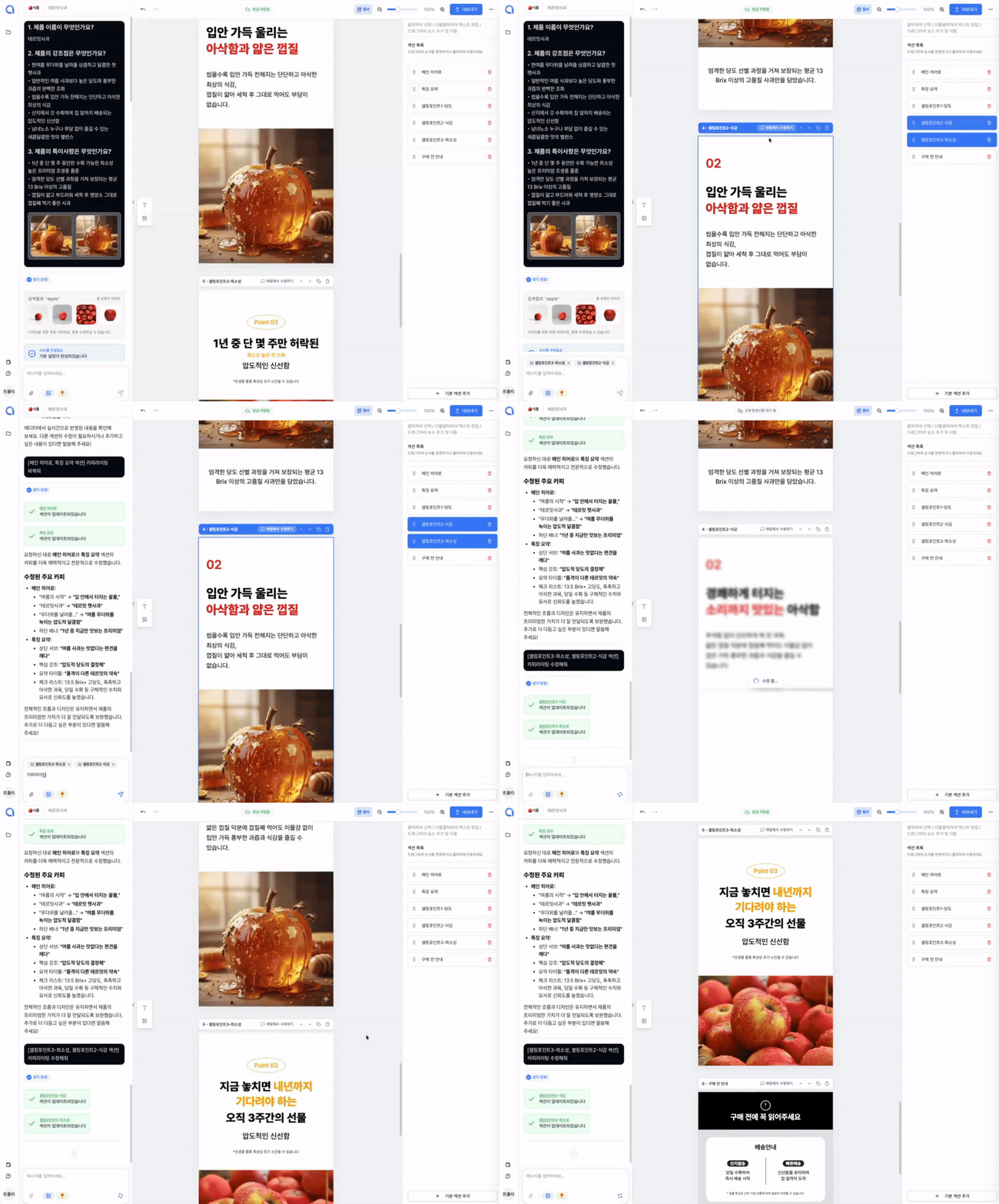
(It's easier than you think, right?)
3. Up/Down Arrow Buttons

Buttons to change the order of sections.
4. Duplicate Section Button

A button to duplicate a single section.
5. Delete Button
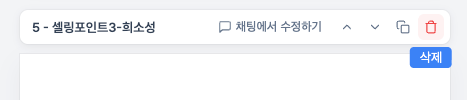
A button to delete a section.
"It's convenient, but since the sections are separated, I can't get a feel for the overall landing page... 😢"
If you're thinking this, we have a solution for you.
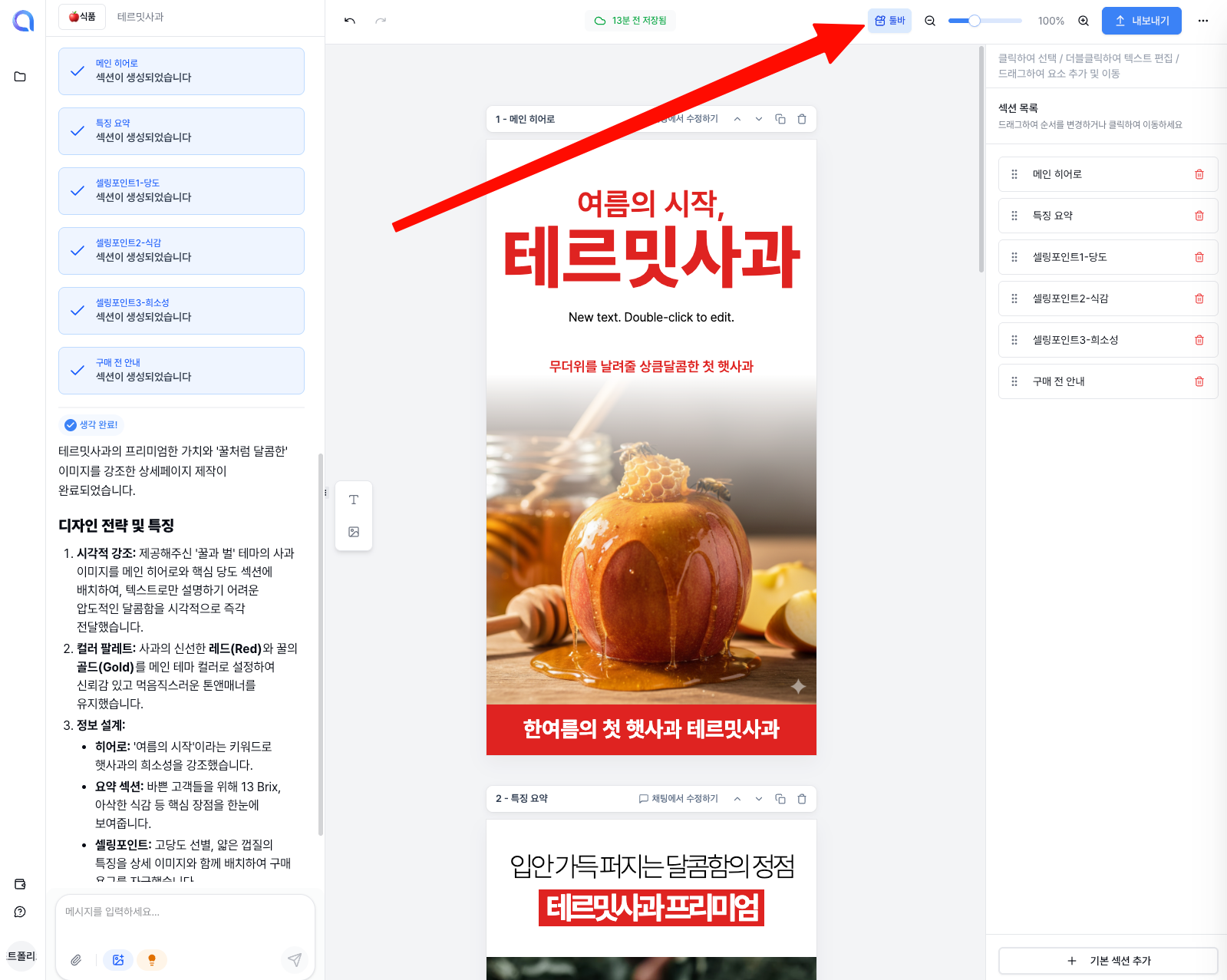
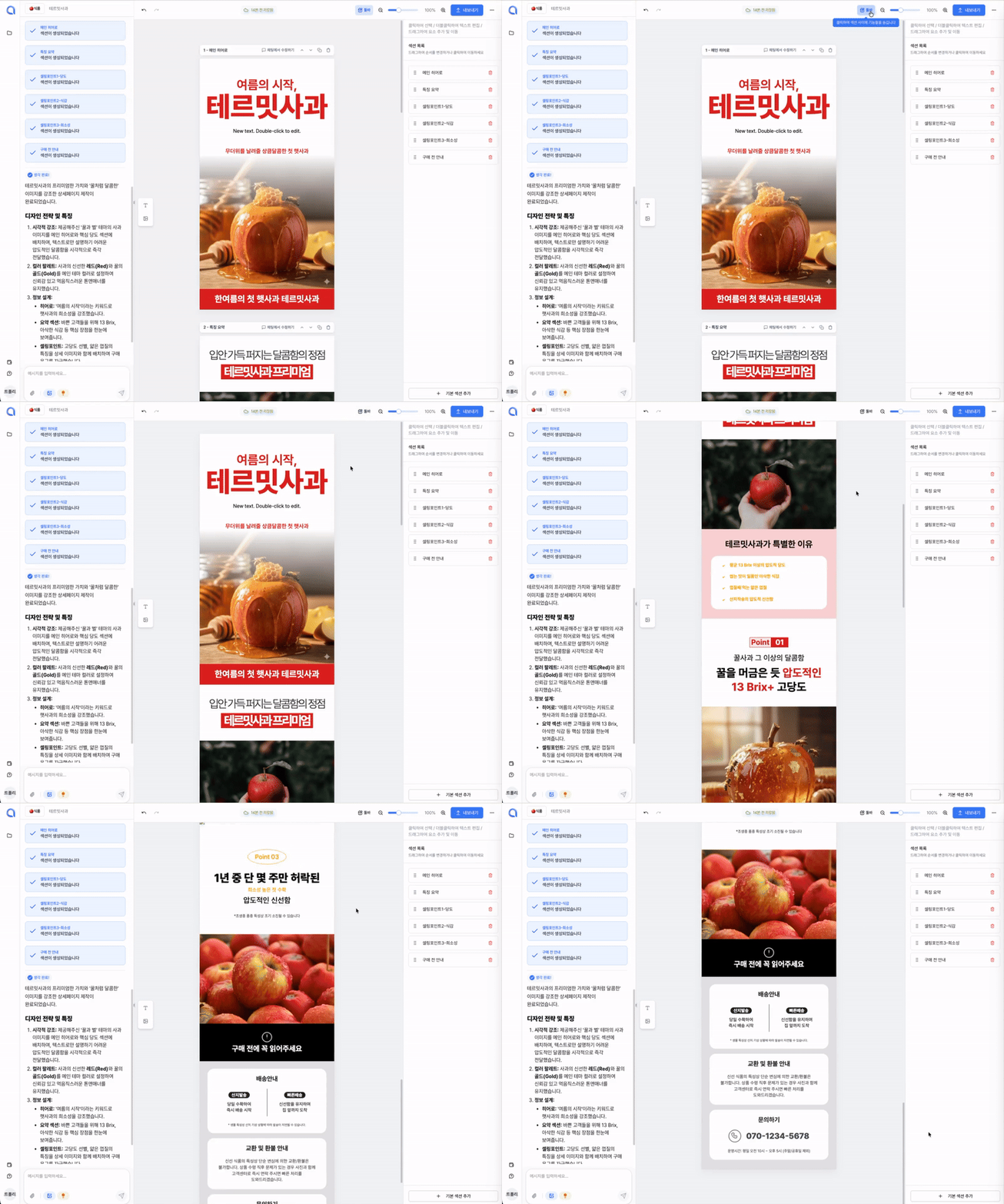
There is a toolbar button at the top that allows you to toggle the toolbars on and off. If you turn off the toolbar, you can see how the landing page will actually look.
What do you think of this update? The Creazy team always wants to be a reliable partner for business owners. Whether it's something inconvenient or a feature you want, please let us know, and we will reflect your feedback as quickly as possible!