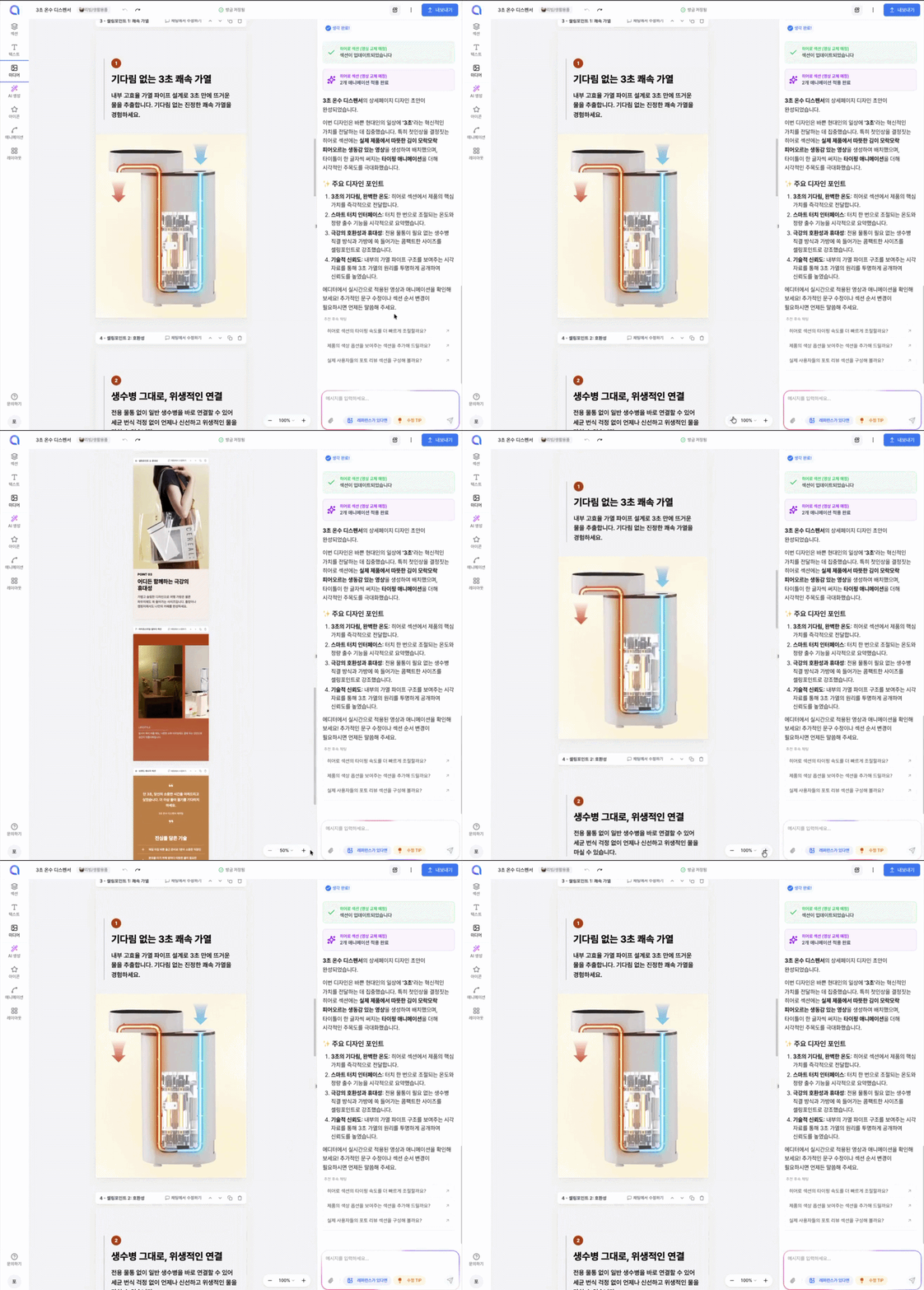
The Studio is the editing workspace where you can freely modify your detail page.
On the left is a contextual tools area, in the center is the editor area, and on the right is the AI chat area. The contextual tools area on the left is collapsed by default and automatically opens the right panel when you select a specific element.
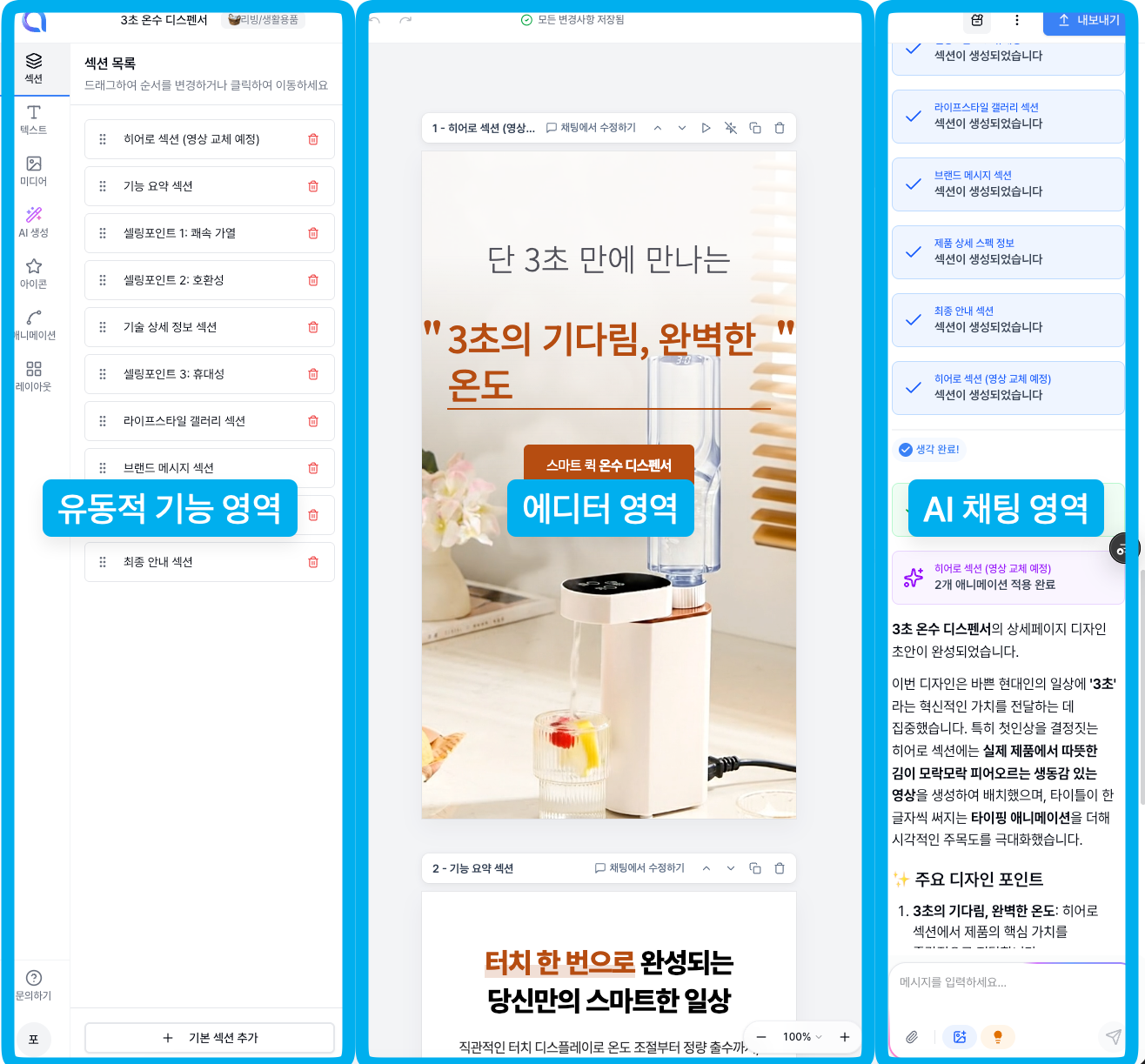
From this screen, you can do all the editing—text changes, image swaps, adding/removing sections, and more.
We support both direct click-to-edit and AI chat editing, so use whichever feels more comfortable.
Zoom the Editor Area
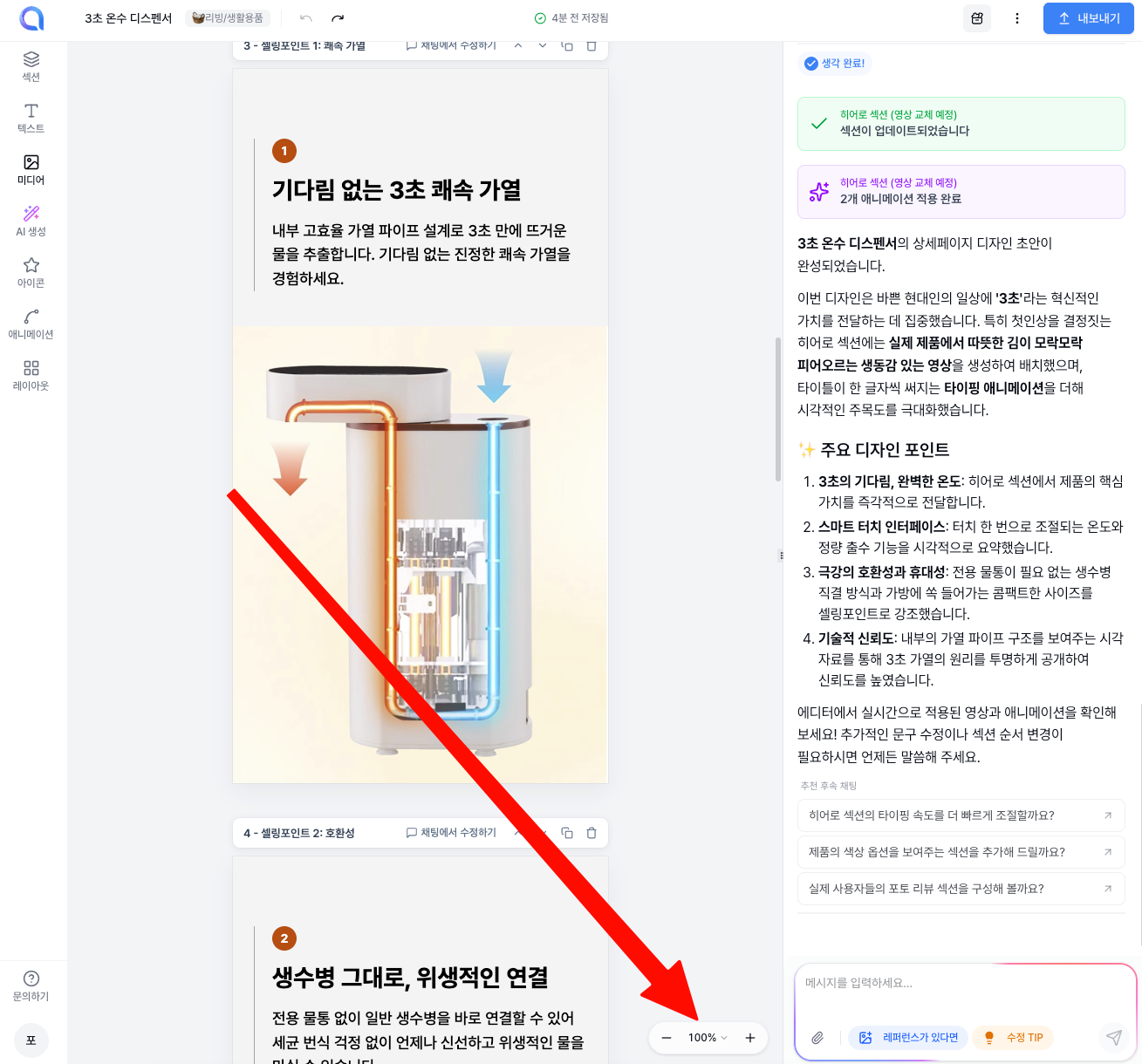
In the lower right of the editor area, there's a button to zoom the editor in and out. Use it to set the zoom level that best fits your work environment.