
Recommended Fonts for Detail Pages (with Creazy)
Why a Single Font Can Change Your Sales on a Detail Page?
A detail page is the most powerful touchpoint where you meet customers in an online mall. While many small business owners put effort into flashy graphics or high-definition photos, they often overlook the power of text that actually moves the customer's heart.
A font is not just a tool for displaying letters; it is a psychological device that determines brand credibility and accelerates the purchase decision.
1. Why Readability Equals Conversion Rate
Online customers do not read every word on a detail page. They go through a 'scanning' process where they skim information in 0.1 seconds, and whether they leave or stay depends on how quickly and accurately they can grasp the information. High-readability fonts reduce the energy the customer's brain spends processing information, creating a positive impression of the product.
When information delivery is clear, customers feel the brand is professional. Easy-to-read layouts and fonts communicate product benefits intuitively, leading to psychological confidence that "this product is trustworthy." In fact, data proves that improving readability alone increases dwell time and sales.
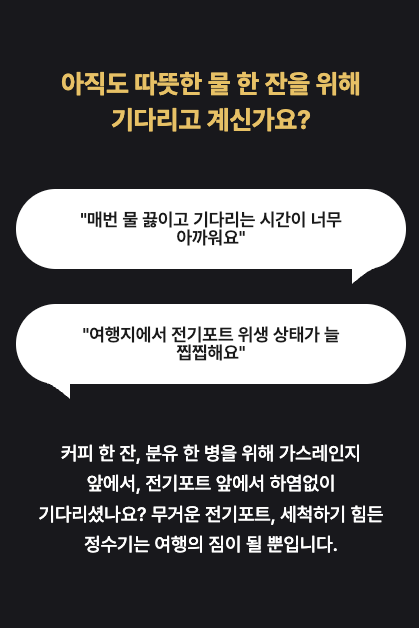
Tip: For body text, prioritize eye fatigue over flashiness. The moment a customer feels uncomfortable reading, they move further away from the buy button.
2. Common Detail Page Design Mistakes by Small Business Owners
- Over-design and Poor Readability: The most common mistake is focusing only on "pretty" designs and missing readability. Thin serif fonts or overly decorative fonts drastically drop readability in mobile environments.
- Copyright Risks: There are frequent cases of using fonts without checking copyrights, leading to legal disputes and heavy settlement fees later.
- Font Misuse: Using too many types of fonts also reduces professionalism. If 4-5 or more fonts are mixed in one page, the viewer's gaze is scattered, causing them to miss key information.
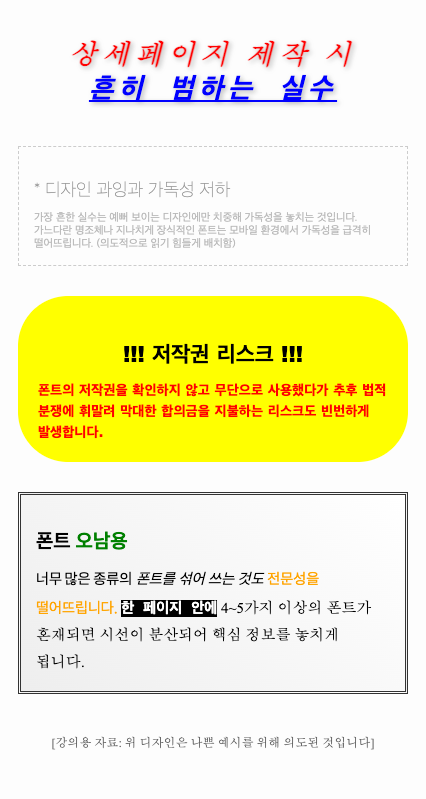
Solution: If you want to create a detail page that instills trust, the key is to maintain a consistent tone and manner using proven free fonts.
3. Top 5 Recommended Fonts to Boost Detail Page Performance
We suggest 5 fonts most preferred by designers for successful detail page creation.
- Nanum Gothic: The most standard Gothic font with excellent web compatibility. Its clean, no-frills look makes it ideal for body text with lots of descriptions.
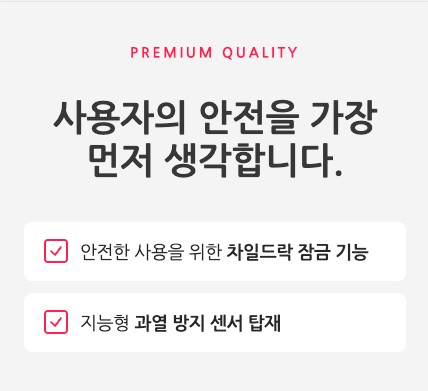
- Noto Sans KR: A web standard font co-developed by Google and Adobe. It supports various weights, allowing you to establish perfect visual hierarchy from titles to body text with just one font.
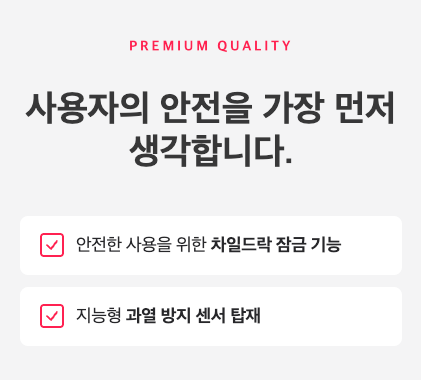
- Pretendard: The trendiest font recently, boasting clear readability in any environment. It gives a modern and sophisticated feel, optimized for IT devices or fashion detail pages.
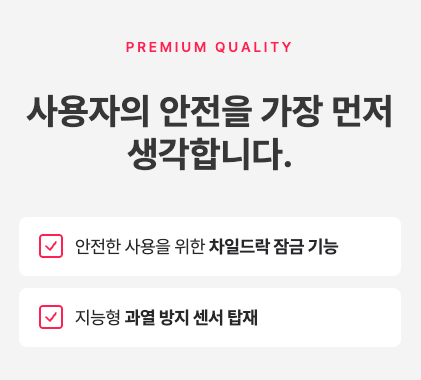
- Gmarket Sans: A font specifically designed for shopping mall environments. It gives a neat yet powerful impression, effective for emphasizing key product specs or price information.
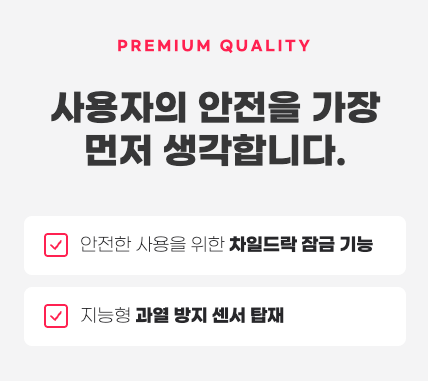
- Montserrat: An English-only font characterized by its geometric and modern form. Combining it with Korean fonts for titles or point phrases can create a global and premium atmosphere.
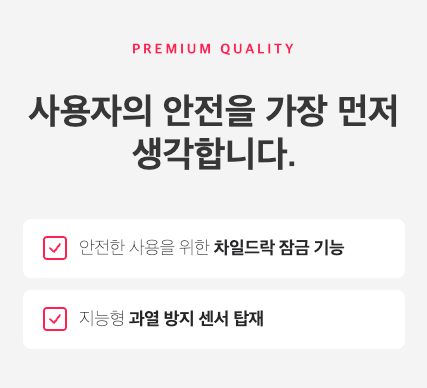
4. Strategic Standards for Highly Readable Detail Pages
🚀 Separation of Visibility and Readability
- Visibility: The quality of a specific word or phrase catching the eye immediately. Use bold and unique fonts for top banners or section titles to create impact.
- Readability: The degree to which long sentences can be read smoothly with low eye fatigue. Essential for product descriptions or body text requiring credibility.
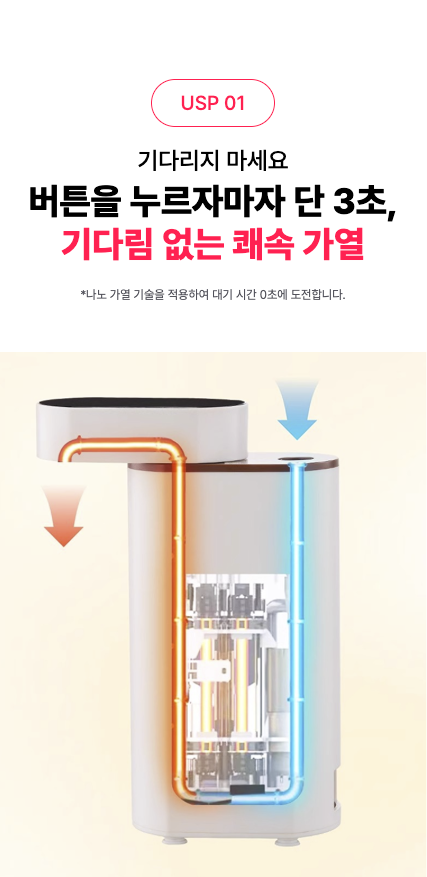
Tip: If you set different fonts for titles and body text, choose a font family that supports at least 3 different weights. You can secure visual hierarchy just by adjusting weights within the same font family.
5. Expert Recommended Font Combination Guide
① Nanum Gothic & Noto Sans KR (Basic & Standard)
- Features: Proven stability over many years. Provides crisp readability without breaking on any device.
- Usage: Use Noto Sans KR Regular (400) or Medium (500) for body text and set line spacing to 1.6~1.8 times.
② Pretendard & Gmarket Sans (Trend & Shopping Mall Optimized)
- Pretendard: Cleanliness similar to Apple's system font. Reduces bounce rates when used for information-heavy body text.
- Gmarket Sans: High visual attention, effective for impact banners like 'Limited Quantity' or 'Lowest Price Challenge'.
③ Montserrat (Adding English Sophistication)
- Features: Modernity of a geometric circular structure. Essential for building a premium image.
- Usage: Use for English keywords like 'Best Item', 'Special Price', or for emphasizing numerical data.
6. Frequently Asked Questions (FAQ)
Q1. Can I really use commercial free fonts without worrying about copyright?
They are not allowed for all commercial activities without limit. Specifically, there might be restrictions on web font use or BI/CI production, so always check the 'License Regulations'. The safest choice is to select fonts labeled with 'OFL (Open Font License)'.
Q2. How many fonts should I mix on one page?
Limit it to a maximum of 2-3 for design consistency. It is ideal to distinguish between 'title use' and 'body use' to guide the flow of the gaze.
Q3. Where is the safest place to download free fonts?
Use Noonnu, a font curation platform. It provides license summaries, helping you reduce legal risks. Always download via the official website link of the creator.
The Creazy team sincerely supports the successful operation of your business through these design tips.
However, if you find these details difficult and wish everything could be handled at once, please try our service, Creazy. It has already learned and internalized the contents mentioned above, allowing you to create high-quality detail pages in less than 3 minutes.
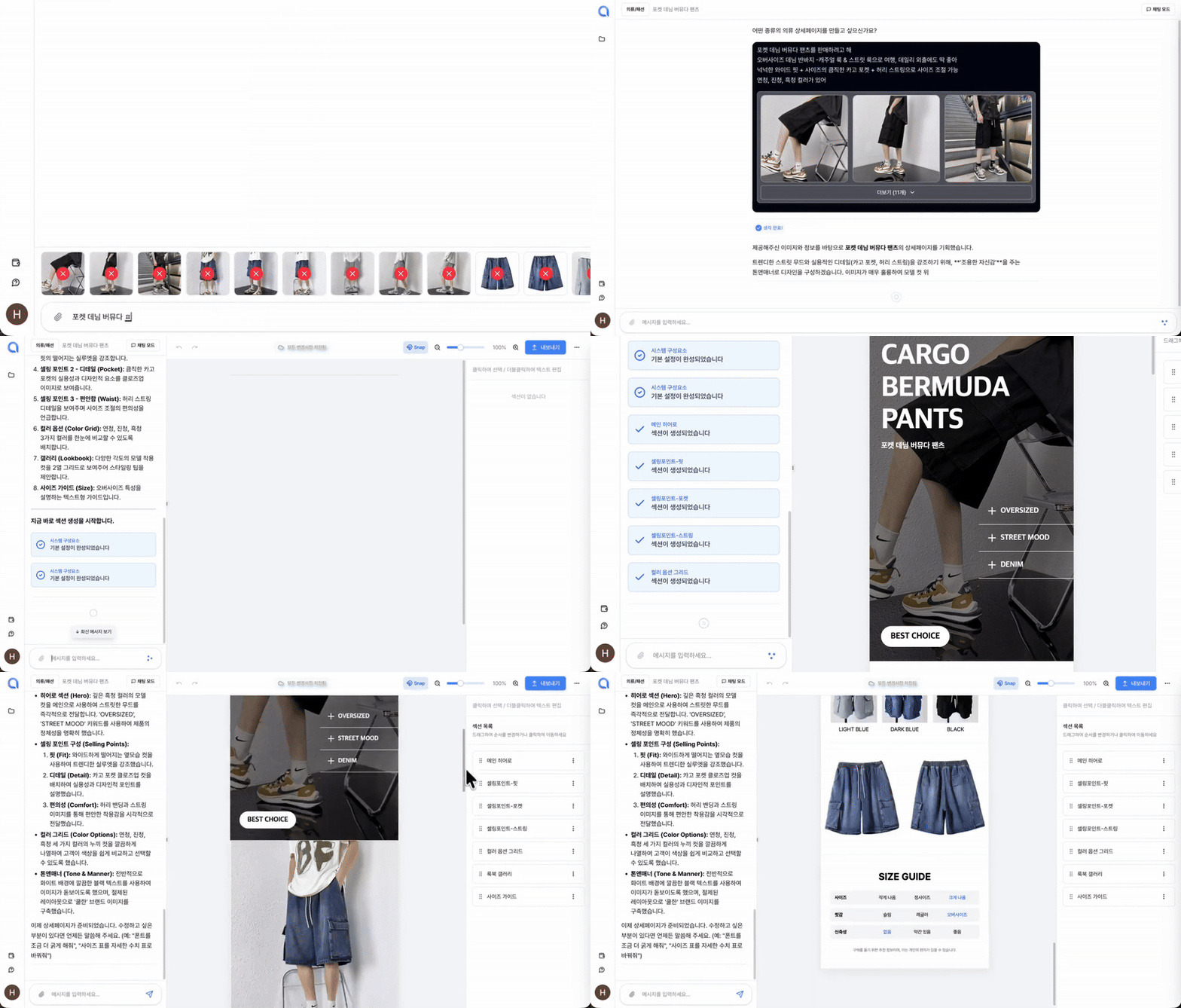
⬇️ Click the image to use Creazy right now!
Related Posts
AI Detail Page Builders vs. General-Purpose AI Like ChatGPT — What's the Difference?
[Update & Pricing Plan Renewal Pre-Announcement] Now Even Animated Detail Pages?! April 30 New Features & Pricing Plan Renewal Notice
Hello, this is the Creazy team, your reliable partner for CEOs! 🎉 To help our CEOs create high-quality…
The Standard for Detail Page Color Combinations (with Creazy)
Detail Page Creation: Why Does a Single Color Change Sales? The detail page is the most powerful touchpoint…