
Product Name
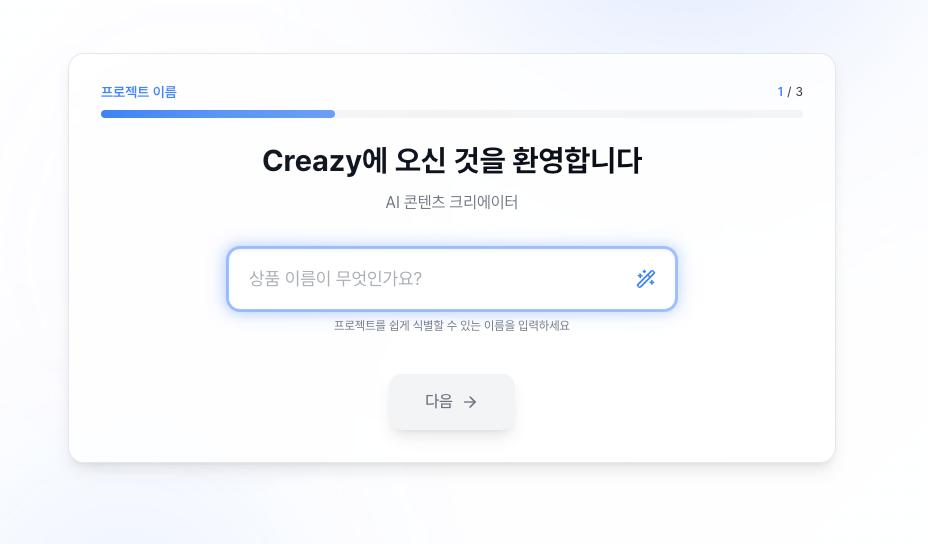
The first step is to enter the product name.
Type in the name of the product you'll be selling.
For example, "Premium Wireless Earbuds" or "Handmade Strawberry Jam."
This name is used as base information when the AI later writes your detail page content, so be sure to enter the actual product name you'll use for sales.
Select Content Type
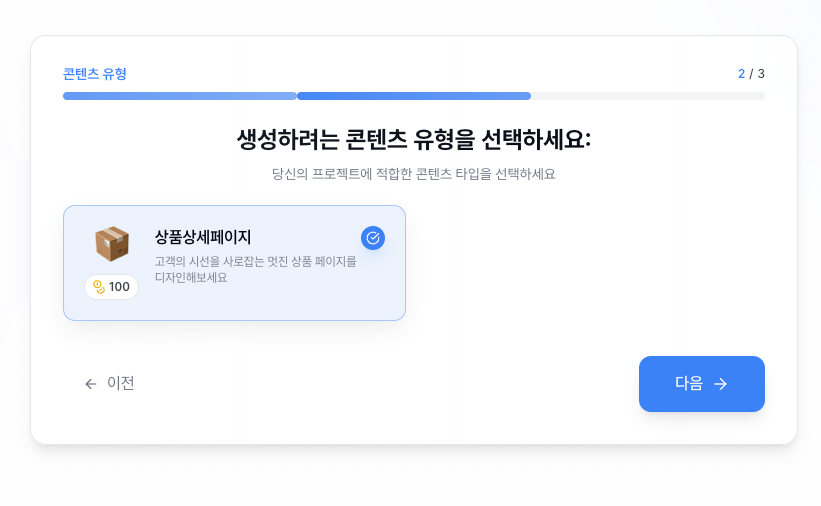
Next is the screen where you select the content type.
For now, just choose Product Detail Page.
Once selected, click the Next button.
In the future, more content types beyond product detail pages—such as banners and thumbnails—will be added, so stay tuned!
Select Category
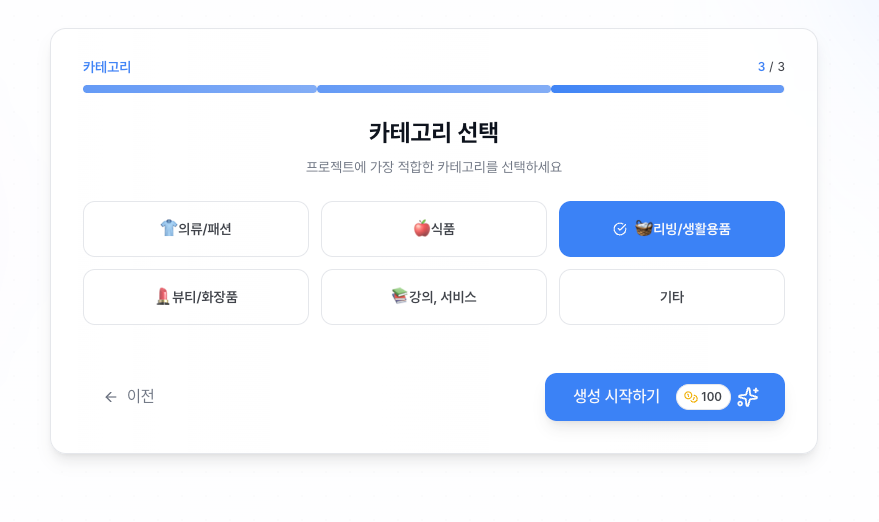
Now, select the category that fits your product.
Picking the right category really matters, and here's why:
For each category,
✔ Design templates optimized for that product type
✔ Layout structures proven on real best-selling detail pages
are pre-configured.
For example, the Food category automatically applies appetite-stimulating layouts, while the Fashion category emphasizes outfit photos.
Pick the category closest to your product, and the AI can produce far better results.