Auto-Generated Product Detail Pages: 4 Jobs for AI and 3 Things to Check Yourself
How to let AI handle section planning, copy, design and saving at marketplace width, plus the 3 things a seller should check in the draft. Covers what to upload, how to edit, cost and a 5-step checklist.


In a nutshell
- 1. How much of a detail page can be auto-generated? AI drafts the section plan, copy and design for you first and saves the page at marketplace width ↓
- 3. What are the 3 things to check in the draft? The three things a seller should check are numbers and evidence, brand tone, and information only the seller knows ↓
- 5. How much does auto-generating a detail page cost? When you sign up, you can create 2 detail pages for free ↓
- 7. In what order should I auto-generate a detail page? A 5-step checklist you can reuse for every product ↓
Do you start every new product's detail page from a blank screen? Deciding the section order, writing the copy and placing the photos from scratch each time takes real time for every product.
Auto-generating a detail page means AI produces a first draft of that repetitive work for you. The seller starts from a draft instead of a blank screen and only fixes the parts that need a human eye. This post splits what to hand over from what to check yourself, and ends with a 5-step checklist you can reuse for every product.
1. How much of a detail page can be auto-generated?
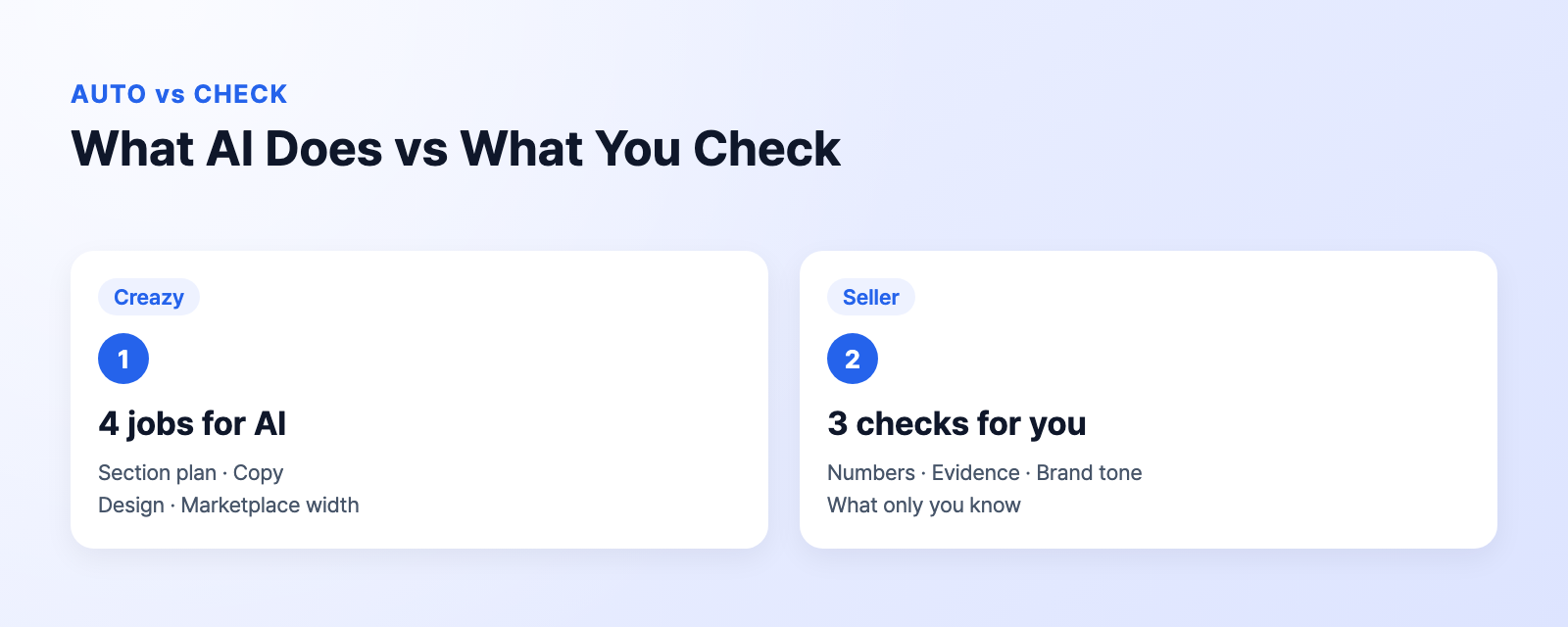
| Stage | Creazy | Seller |
|---|---|---|
| Section plan | Draft order and layout | Enter product info |
| Copy | Writes copy per section | Check numbers and evidence |
| Design | Places photos and designs | Check brand tone |
| Export | Saves at marketplace width | Pick the marketplace |
Give Creazy your product photos and information and it builds a detail page with section order, copy and design in 3 minutes. Motion effects are on by default on the first generation, and they cost no credits.
So the seller's job shrinks to two things: putting material in and checking the result.
2. What do I need to upload for auto-generation?
The basics are product photos and product information. If you don't have photos yet, a product name alone is enough to create a detail page.
- Photos + product info: A standard draft
- Product name only: A draft built from the name
- Screenshot of a page that sells well: Sections in that same layout
- Ingredient list · test report: Review against your evidence
If there is another page that sells well, capture it and upload it too. Creazy builds sections in the same layout as the captured page. It also helps to attach documents with numbers, such as ingredient lists, test reports and spec sheets, from the start.
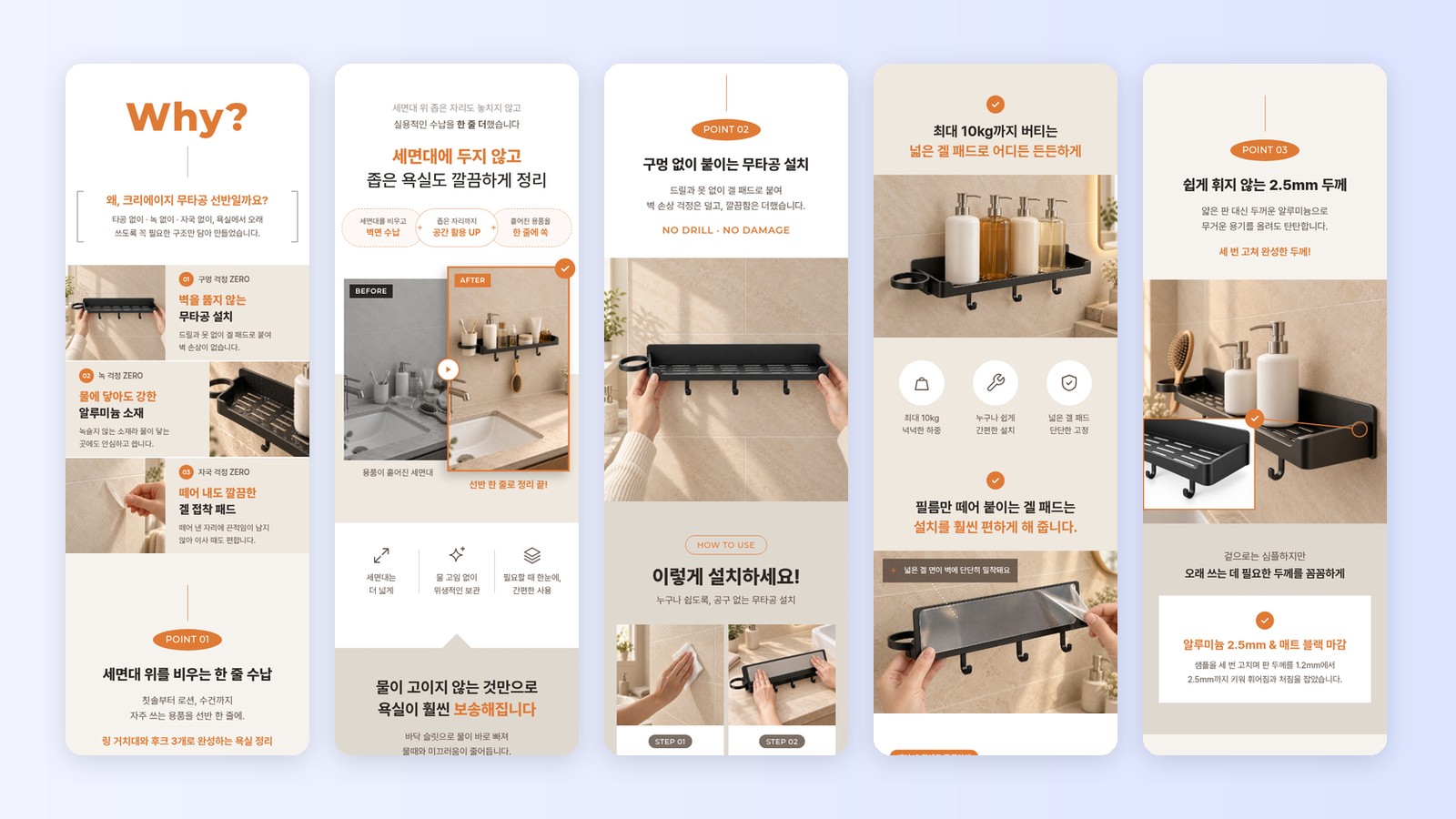
CreazyA bathroom shelf detail page made with Creazy (fictional product)
3. What are the 3 things to check in the draft?
When the draft arrives, check these three yourself before moving on. All three are information the seller knows best.
- Numbers · evidence: Labeling and ad standards (How to fix: Attach documents)
- Brand tone: Match your other products (How to fix: Edit by chat)
- Seller-only info: Shipping · contents · after-sales (How to fix: Click the text)
🔢 Numbers and evidence
Sentences with numbers, such as volume, ingredient content or load capacity, must meet labeling and advertising standards. When you attach supporting documents, Creazy reviews the copy against them, so upload them on the first run.
🗣️ Brand tone
A page that sounds different from the other product pages in your store looks out of place. Type something like "make the sentences shorter and plainer" in the chat to align the tone of the whole page.
📦 Information only you know
Shipping schedules, package contents and exchange or after-sales policies are things the seller knows best. Click that text and change it directly.
4. How do I fix what needs fixing?
- Click the text: One word or number
- AI chat: A whole section · tone
- Left text menu: Add title · body boxes
Chat lets you give instructions in plain words, like "make the third section's copy shorter". Editing with AI chat costs no credits, and free accounts can use chat 5 times per project. In the left text menu, you drag in title, subtitle and body boxes to add new text.
Using clicks for small fixes and chat for big ones shortens editing time.

5. How much does auto-generating a detail page cost?
When you sign up, you can create 2 detail pages for free. After that, you use credits.
| Item | Credits |
|---|---|
| 1 detail page | 100~130 |
| 1 AI image | 5 |
| AI chat edits | 0 |
| Export | 0 |
Plans are Basic ₩33,000, Pro ₩99,000 and Max ₩198,000 per 30 days, and annual billing is 24% off. However many times you revise the same page, chat edits and exports cost no credits.
6. How do I export the finished detail page?
- PNG · JPG: Marketplace detail images
- WebP · GIF: Animated images
- Photoshop file: Final touches in Photoshop
- Web publish: Link sharing · Figma
When exporting as an image, just pick a marketplace width such as 860px for Smart Store or 780px for Coupang. In the Photoshop file, text stays as text layers: install the fonts used in the design on your computer and update the text layers, and you can edit the text in Photoshop.
After creating the detail page, press the Make Shorts button to create a short shopping video for the same product. The page and the short together take about 5 minutes.
7. In what order should I auto-generate a detail page?
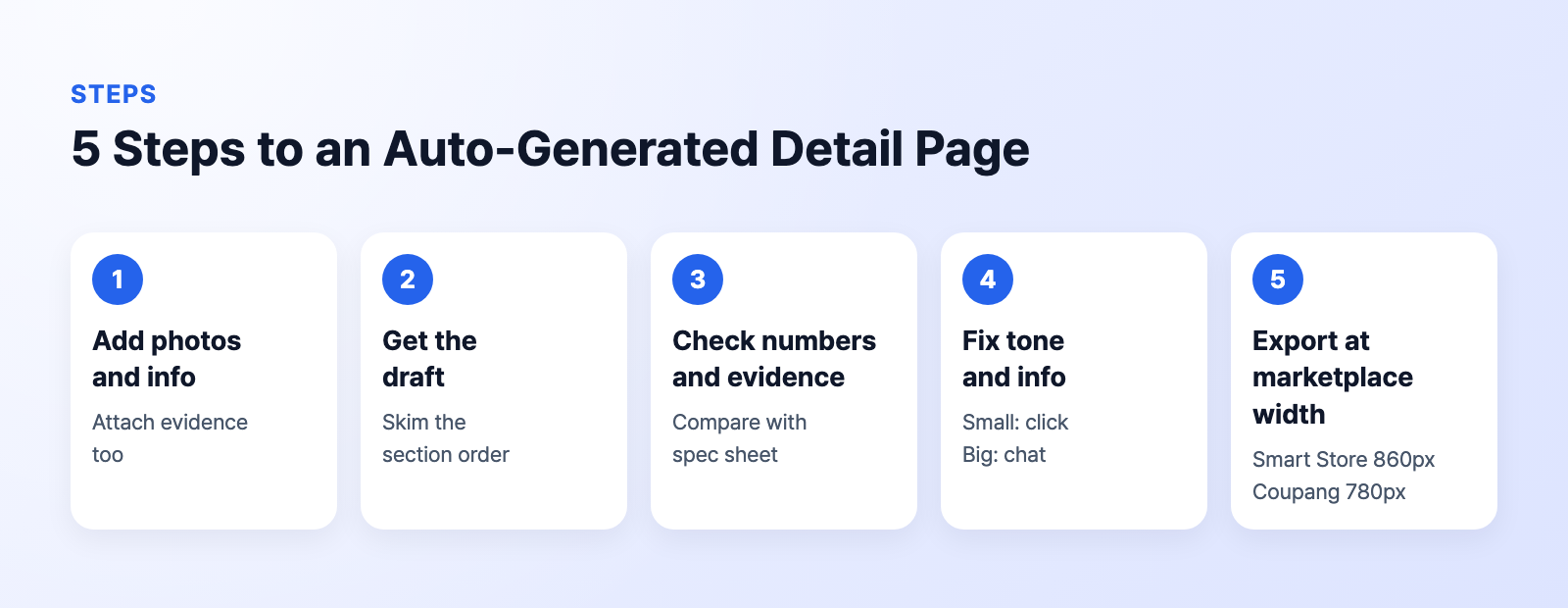
- Add photos · info (What to check: Attach evidence)
- Get the draft (What to check: Section order)
- Review numbers · evidence (What to check: Compare with spec sheet)
- Fix tone · info (What to check: Click · chat)
- Export at marketplace width (What to check: 860px · 780px)
Use this checklist as-is for every product and you will never start from a blank screen again, even when a new product arrives. Your first two pages are free, so try the steps in order with your next product.
Frequently asked questions
Is "detail page automation" different from "auto-generating a detail page"?
This post uses the two terms to mean the same thing. Both refer to AI drafting the plan, copy and design. The seller's job shrinks to putting in material and checking the result.
How long are my detail pages kept?
What you create is kept until you delete your account. If the price or package contents change later, open the same page, edit it and export it again.
Related reading
References
- Creazy AI chat guide · Creazy export guide
- Creazy pricing (checked November 3, 2026)